Flipz: A privacy-focused toolkit for random stuff
Flipz is a utility app I built for myself because I kept needing random passwords, fake email addresses for testing, and other generated data. Instead of visiting different websites or installing multiple apps, I threw everything into one place.
What’s Inside
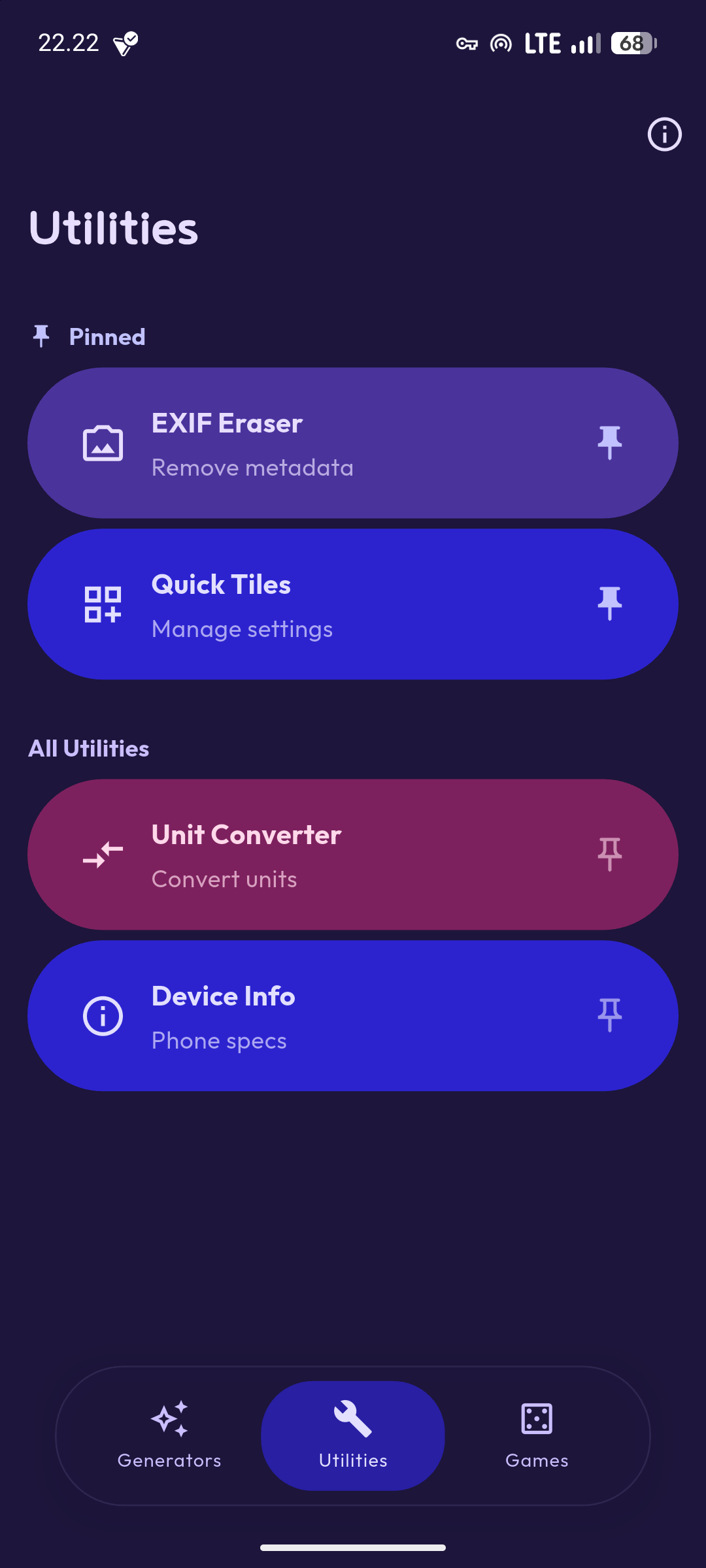
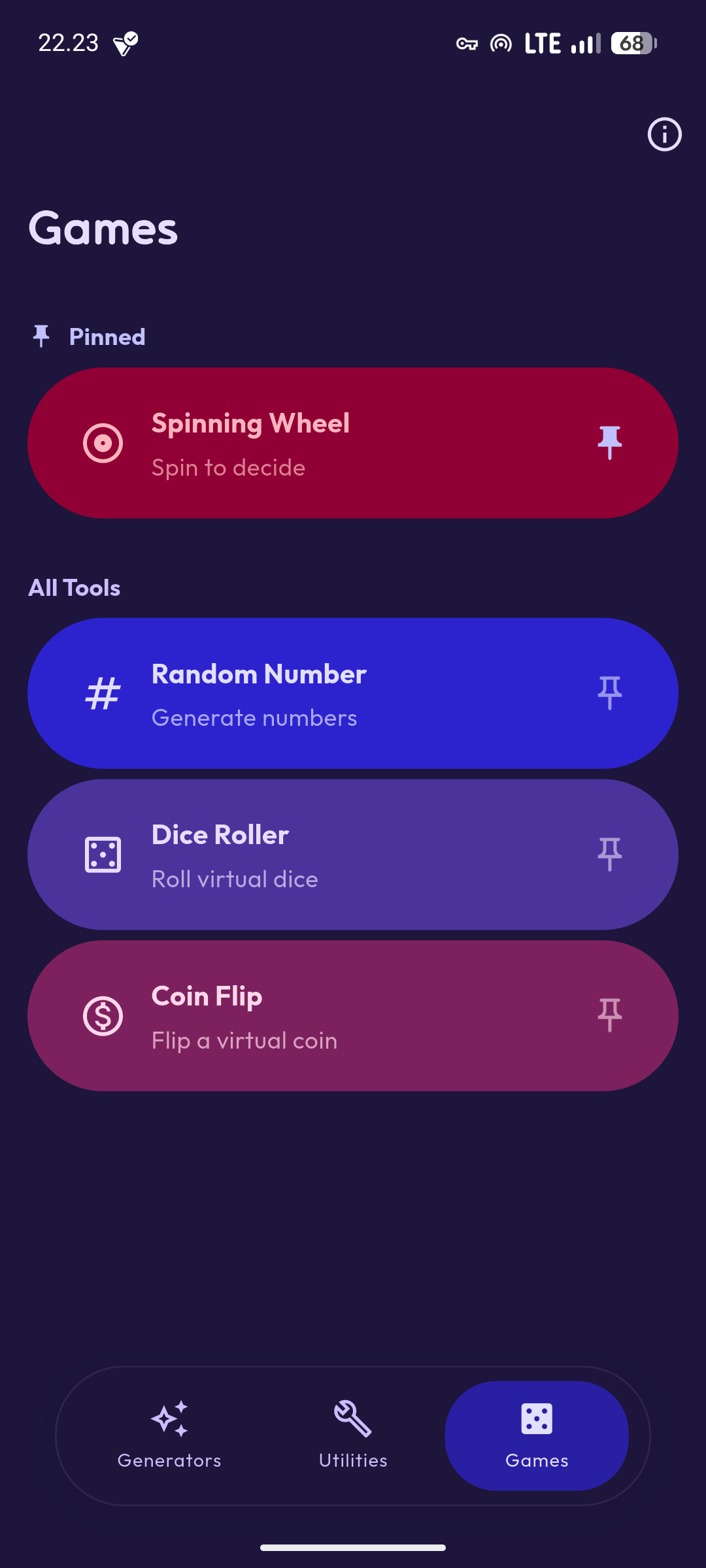
The app groups features into three categories: generators, games, and utilities. Generators create passwords, usernames, email addresses, phone numbers, device names, complete fake identities, and Lorem Ipsum text. Games include random number generation, dice rolling, coin flipping, and a spinning wheel for making decisions. Utilities cover EXIF metadata removal from photos, quick system tiles for Android, unit conversion, and device information viewing.
I built this primarily for testing and development work. When you’re building forms or user flows, you need fake but realistic-looking data. Flipz generates that data without requiring internet access or sending anything to external servers.
Why Build This
There’s no shortage of online generators for this kind of stuff. Websites will create passwords, generate fake people, and produce random numbers all day long. But using them means opening a browser, navigating to the site, waiting for ads to load, and trusting that your generated passwords aren’t being logged somewhere.
I wanted something offline that worked instantly. Pull out your phone, open the app, generate whatever you need, and close it. No accounts, no permissions beyond what’s necessary, no tracking.
Privacy Approach
Everything happens on your device. The app doesn’t connect to the internet because it doesn’t need to. Password generation uses cryptographically secure random number generation from the platform. Identity generation pulls from built-in datasets. EXIF removal reads and writes files locally.
No analytics run in the background. No crash reporting phones home. The app doesn’t request unnecessary permissions. On Android, it asks for storage access if you want to strip EXIF data from photos. That’s it.
This isn’t marketing speak. The code is open source. You can verify that nothing suspicious happens by reading through it yourself.
Platform Status
Right now, Flipz is Android-only. Flutter supports multiple platforms, and the codebase could theoretically run on iOS, Windows, Linux, and macOS with some work. But I built this for my own use on Android, and that’s what’s available.
Some features like the quick tiles are Android-specific anyway. If there’s demand for other platforms or if I need it myself on another device, I might expand support. For now, it’s just an APK you can install on Android devices.
Technical Implementation
The app uses Flutter and Dart with Material Design 3 for the interface. Architecture focuses on keeping everything local and offline-capable. No backend services, no API calls, no external dependencies for core functionality.
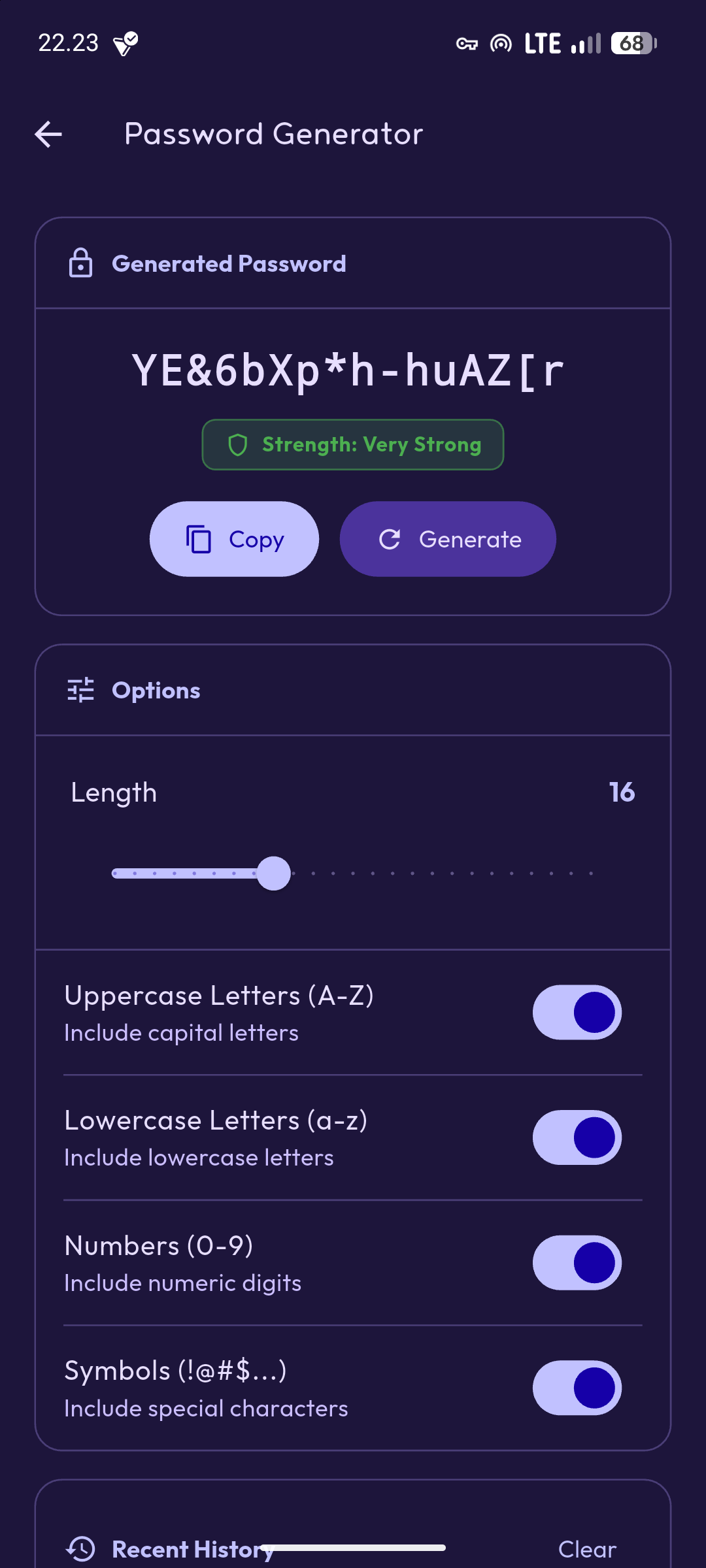
Password generation uses the platform’s secure random number generator to create cryptographically strong passwords with customizable character sets and length. The identity generator pulls from curated datasets of names, addresses, and other personal information that look realistic but are completely fabricated.
EXIF removal reads image metadata using standard libraries and writes clean versions without that data. The process happens entirely on device without uploading images anywhere.
Using It
Download the release for your platform from GitHub. No installation wizard, no setup process, no account creation. Open the app and start using whichever feature you need.
Need a password? Open the password generator, adjust the settings if you want, and tap generate. Need a fake identity for testing a registration form? Open the identity generator and get a complete profile with name, address, phone number, and email.
The interface stays minimal. Each feature gets its own screen with relevant options. Generate what you need, copy it to your clipboard, and move on.
Screenshots


Development Use Cases
When testing web forms, you need data that looks real but isn’t tied to actual people. Flipz generates complete profiles that pass basic validation without using real personal information.
Testing phone number fields? Generate numbers that match the format you’re validating against. Need to verify email handling? Create addresses that look legitimate without actually existing.
Password field testing benefits from being able to quickly generate various password types: all lowercase, mixed case, with numbers, with special characters, different lengths. Adjust the settings and generate until you’ve tested all your edge cases.
The Wheel and Coin Flip
Not everything needs to be serious utility functions. The spinning wheel and coin flip exist because sometimes you just need to make a decision and don’t want to think about it. Add options to the wheel, spin it, let randomness decide.
These features don’t pretend to be particularly sophisticated. They’re digital versions of physical randomness tools people have used forever. But they’re there when you need them.
Quick Tiles on Android
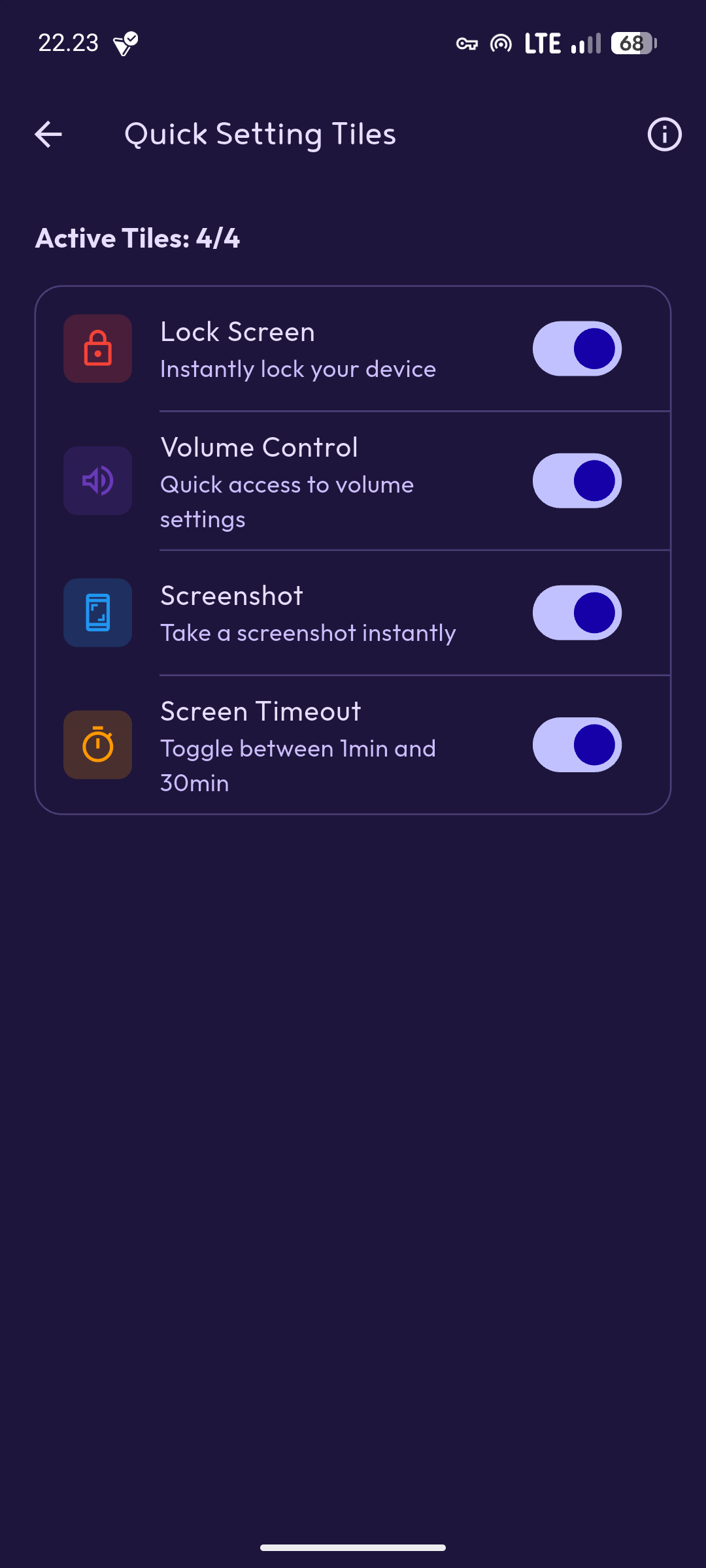
Android’s quick settings tiles provide fast access to common actions. Flipz adds tiles for taking screenshots, adjusting media volume, locking the screen, and changing screen timeout. These aren’t revolutionary features, but having them accessible from the quick settings panel saves a few taps.
The tiles use Android’s native APIs and follow system conventions. They look and behave like built-in quick settings because they use the same underlying framework.
What’s Next
The app works for what I need it to do on Android. Future additions might include more generators if I find myself repeatedly needing something that isn’t already covered. More utility functions that fit the privacy-focused, offline-capable approach could make sense.
Expanding to other platforms is possible since it’s built with Flutter. iOS would be the obvious next target, followed by desktop platforms if there’s a reason to use it there. But that depends on whether I actually need it on those platforms or if someone else wants to contribute the work.
Translations would help make the app accessible to non-English speakers. The codebase is structured to support localization, it just needs people willing to contribute translations.
Contributing
The project is open source under GPL v3.0. If you find bugs, have feature suggestions, or want to add functionality, the repository accepts pull requests. If you’re not interested in coding but have ideas, open an issue.
Adding generators for new types of data, improving existing ones, fixing bugs, improving documentation, or adding translations all count as useful contributions. The codebase isn’t large or complicated. Most features are self-contained and easy to understand.
Download
Grab the latest APK from the GitHub releases page. Install it on your Android device. The source code is in the same repository if you want to build it yourself or port it to other platforms.
I built this because I needed it. If you find it useful, great. If you think it’s missing something, open an issue or add it yourself.