Fends: A privacy-first approach to budget management
Managing personal finances shouldn’t require handing over your transaction history to a third-party server. Fends is a simple budget management app that tracks your spending while keeping everything local to your device.
What It Does
Fends helps you understand where your money goes. You add transactions as they happen, categorize them as income or expenses, and view your spending history in an organized list. That’s it. No cloud sync, no analytics dashboards, no subscription tiers.
The app follows Material Design 3 guidelines, so it feels familiar if you’re using a modern Android device. The interface stays out of your way and lets you record transactions quickly.
Why Another Budget App
Most budget apps today want you to connect your bank account, upload your data to their servers, or pay a monthly subscription. Some do all three. I wanted something simpler - an app that treats your financial data like what it is: private information that doesn’t need to leave your phone.
This isn’t about building a comprehensive financial planning suite. Fends focuses on one thing: tracking what you spend and earn. If you need forecasting, investment tracking, or bank integration, there are other tools for that. This is for people who just want a straightforward transaction log.
The Technical Side
Fends is built with Flutter and Dart, targeting Android devices running version 7.0 or newer. The app uses local storage to keep your data on your device. No network permissions, no external dependencies for data storage.
The codebase aims to be lightweight. Flutter provides the cross-platform framework, Material Design 3 handles the UI components, and the app itself focuses on core functionality without feature bloat.
Getting Started
You can grab the latest release from the GitHub repository. The app doesn’t require any special permissions beyond basic storage access for keeping your transaction data.
After installing, you’ll see a clean dashboard showing your recent transactions. Adding a new transaction takes a few taps - enter the amount, pick a category, add a note if you want, and save. The transaction appears in your history immediately.
The transaction list shows everything you’ve recorded, organized by date. You can view details for any transaction by tapping on it. That’s the entire workflow.
Screenshots
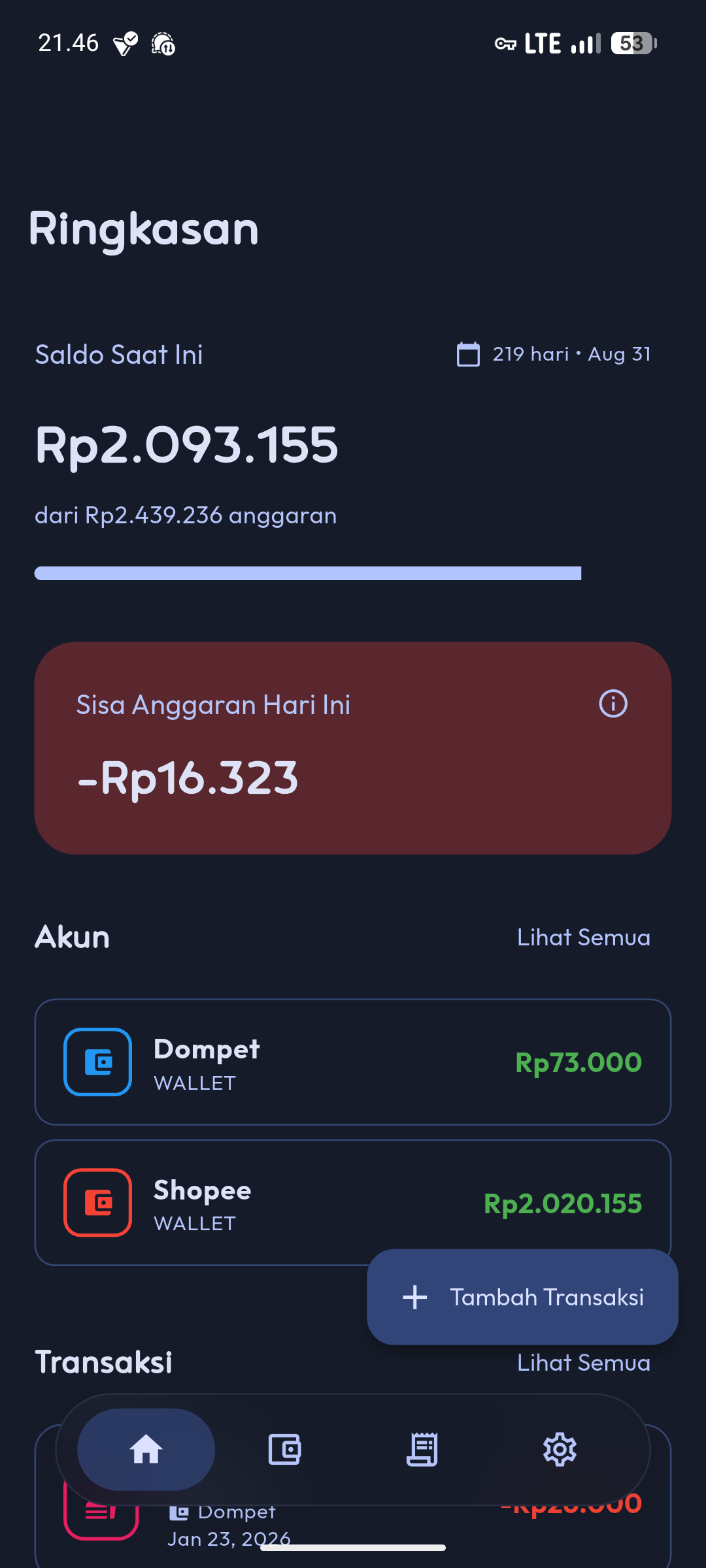
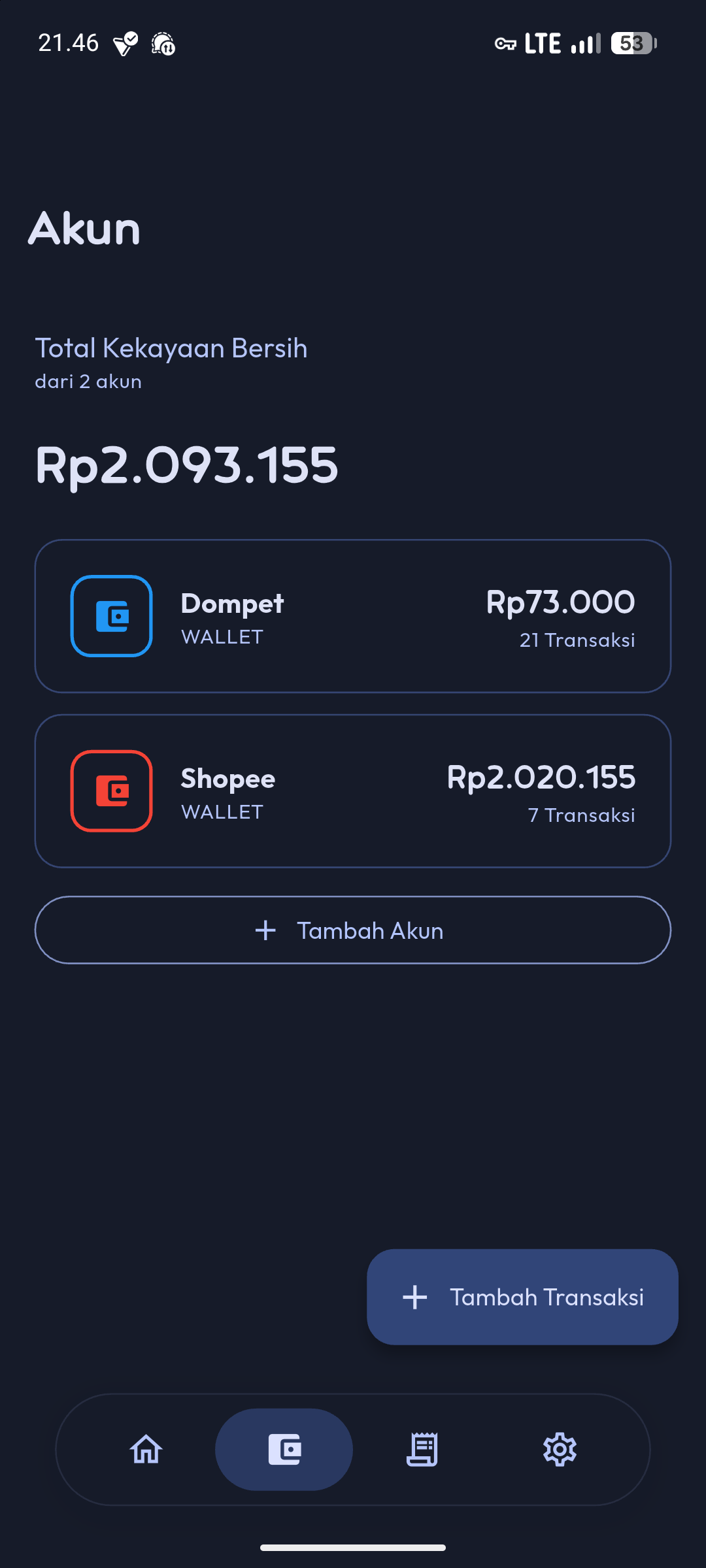
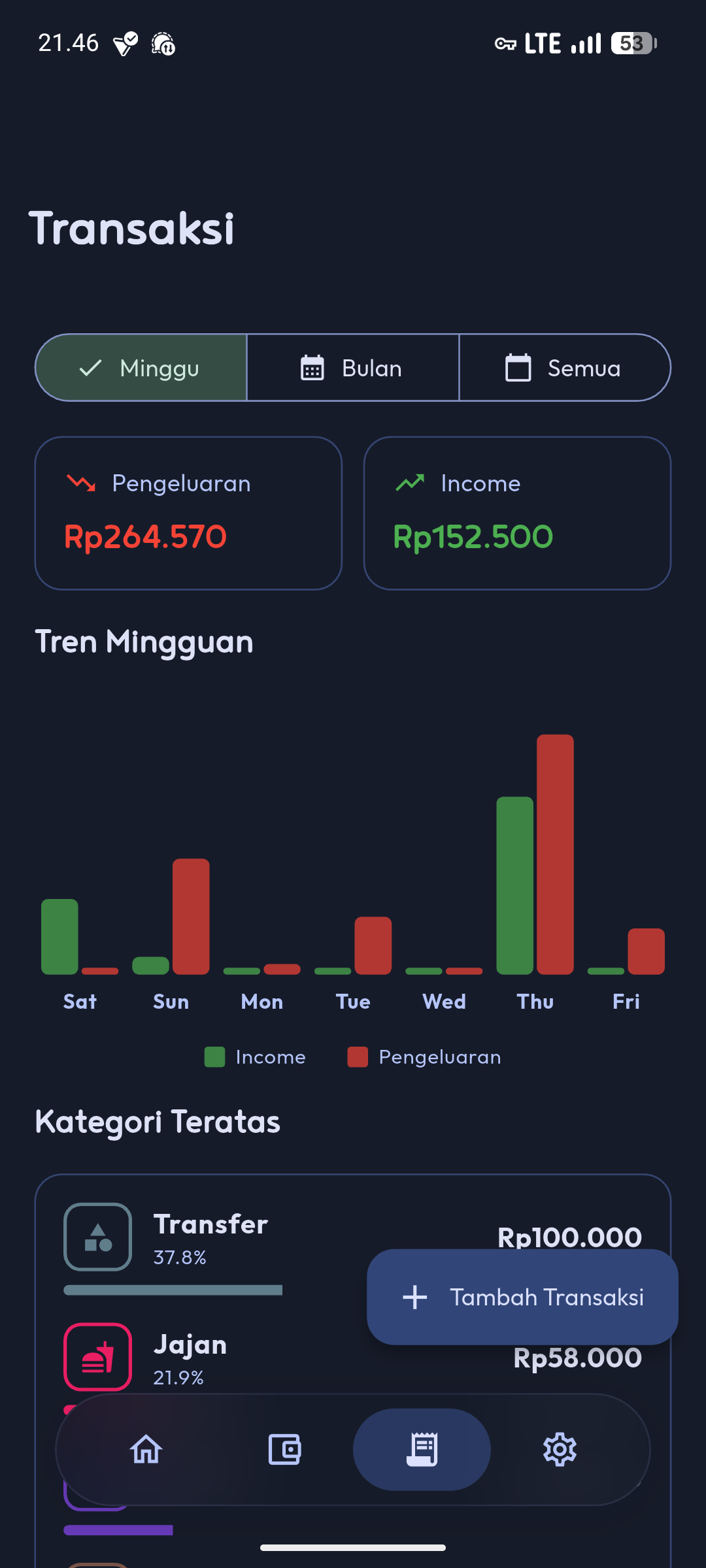
Privacy By Design
When you use Fends, your financial data never leaves your device. There’s no account creation, no server to sync with, no analytics tracking your spending patterns. The app doesn’t even request internet permissions.
This approach has tradeoffs. You won’t get cloud backup, you can’t sync across devices, and you’re responsible for your own data backups. But you also don’t have to wonder who has access to your transaction history or how it might be used.
Contributing
The project is open source under the GNU General Public License v3.0. The code is available on GitHub, and contributions are welcome. If you find bugs, have feature suggestions, or want to add translations, you can open an issue or submit a pull request.
Currently, Fends supports English and Indonesian. Adding more languages would help make the app accessible to more people. The translation files are straightforward to work with.
What’s Next
Future development focuses on keeping the app simple while improving usability. Small refinements to the interface, better categorization options, and basic reporting features are on the roadmap. Nothing that requires cloud services or complex infrastructure.
The goal is to maintain Fends as a tool that does one thing well: helps you track your spending without compromise on privacy. If that sounds useful, give it a try.
You can download Fends from the GitHub releases page. The source code is available in the same repository if you want to build it yourself or see how it works under the hood.